
Getting started
After you install the plugin and activate the license, a notice at the top of the dashboard shows how many setup steps are done and which one is next. Click Continue setup to go to it, or follow these steps.
1. Fill in your newsroom details
Section titled “1. Fill in your newsroom details”Open News Schema → Publisher and fill in at least the publication name, the logo, the city and the country. See Publisher.
2. Run the readiness check
Section titled “2. Run the readiness check”Open News Schema → Readiness check and click Check now. Fix what it reports, starting with the errors. Each item explains how. See Readiness check.
3. Assign your editorial policies
Section titled “3. Assign your editorial policies”Open News Schema → Policies and choose the page of your site for each policy you have. See Editorial policies.
4. Complete the author profiles
Section titled “4. Complete the author profiles”Open News Schema → Authors to see what each author’s profile is missing and complete it in one place. Each author can also do it in Users → Profile. See Authors.
5. Submit the news sitemap to Google
Section titled “5. Submit the news sitemap to Google”Open News Schema → Sitemap, copy the address of your news sitemap and submit it in Google Search Console → Sitemaps. You only do this once. See News sitemap.
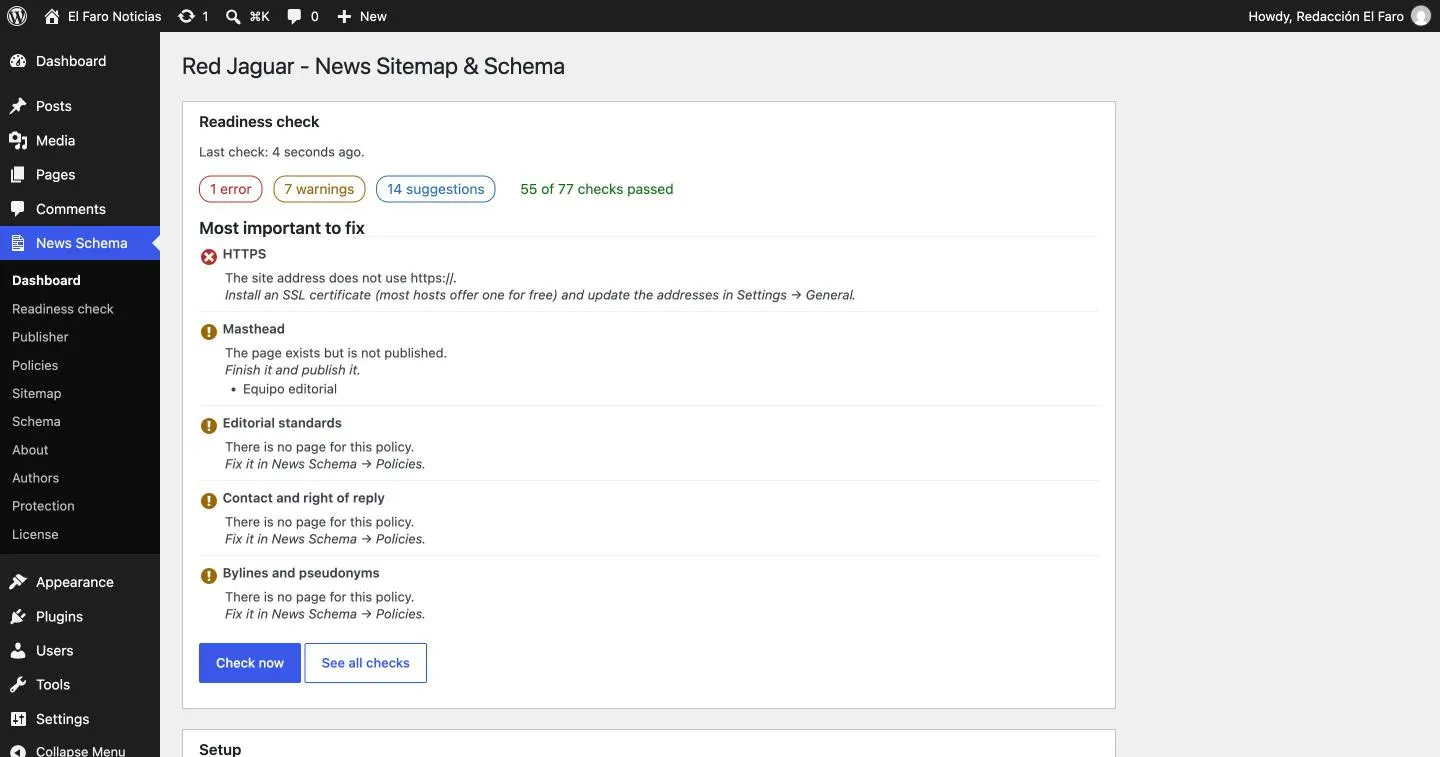
The readiness check runs every day by itself. Its results are on the plugin’s Dashboard, in a box on the WordPress Dashboard and in Tools → Site Health. Turn on email alerts to hear about new errors without opening WordPress.